OPEN HOUSE / NO ACCOUNT NEEDED
Take a look around
PATCHBAY.
A place to share what you make. A workbench to investigate what matters. See how both sides work before you join.
Screenshots show actual public pages. Mockups illustrate existing account-only workflows using fictional content; their pictured controls are not interactive. Every feature below is available in PATCHBAY, subject to account role, permissions, or installation settings.
THE FEATURE TOUR
See what you can do
4 of 10 chapters. Open a feature list for details; select an image to view it at full size.
Security Workbench
Authorized research
Organize systems and testing around documented authorization, boundaries, and evidence.
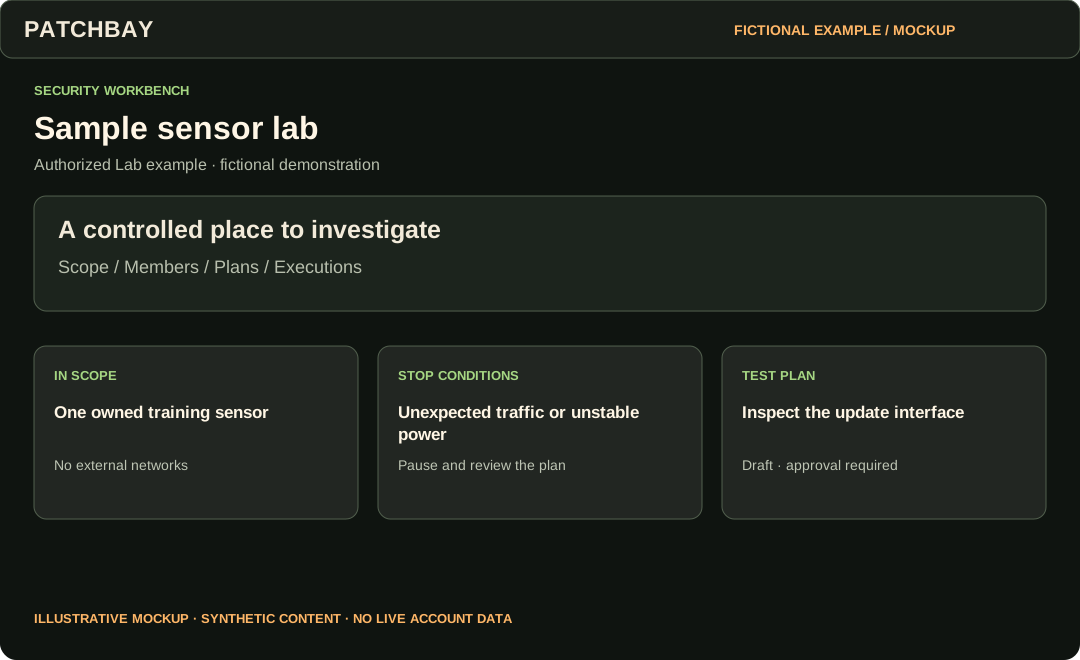
8 features in this chapter
- Security Workbench
- Open the operational queue for research you are permitted to access.
- Security Profile
- Describe research interests and a deliberately shared security portfolio.
- System Dossiers
- Document hardware, firmware, components, interfaces, dependencies, authorization and sensitivity.
- Versions and baselines
- Capture system states, compare changes, and import/export the supported dossier format.
- Authorized Labs
- Define scope, exclusions, rules, stop conditions, time windows, member roles and clearance.
- Test Rigs and plans
- Record equipment and calibration; approve a scoped plan before execution.
- Execution records
- Record test observations while enforcing authorization, scope and calibration gates.
- Techniques
- Keep reusable research methods separate from a specific execution.
Security Workbench
Maps and Threat Models
Turn a library prompt into a reviewed, system-specific question.
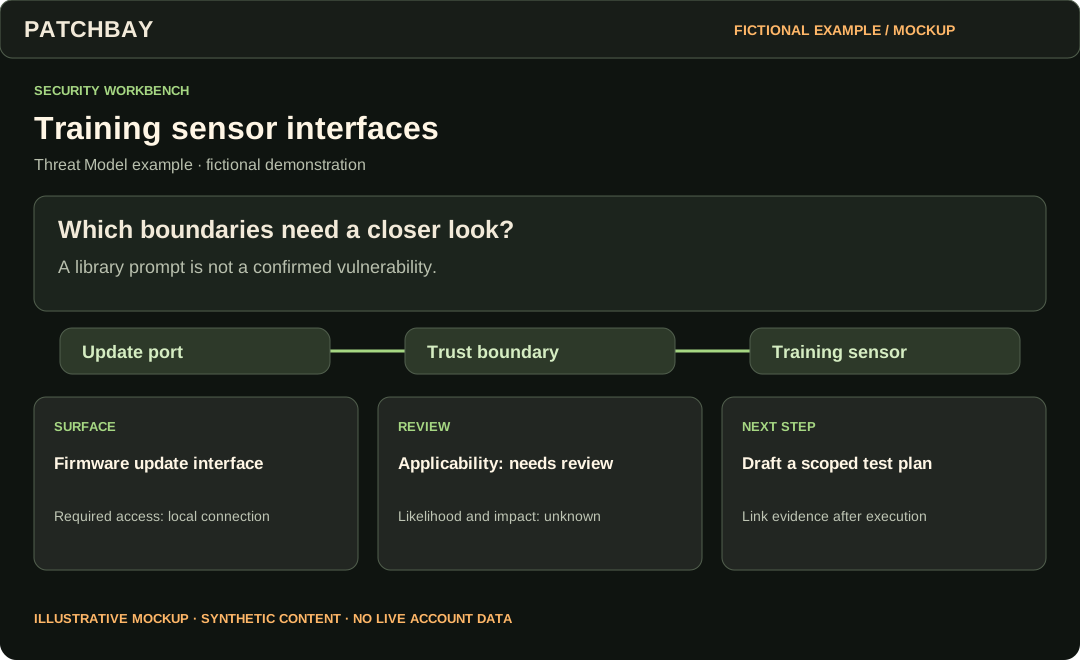
6 features in this chapter
- Interface Maps
- Edit nodes, edges, trust boundaries and their layout.
- Map versions and comparison
- Save map baselines and inspect changes between versions.
- Attack Surfaces and Attack Vectors
- Search the built-in library, save favorites, and maintain private custom entries.
- Starter templates
- Start a model from a template and deliberately add library snapshots.
- Threat review and coverage
- Review applicability, likelihood and impact; link map nodes, Evidence and Findings.
- Sign-offs and draft test plans
- Record review sign-offs and create a draft Lab test plan for an applicable threat.
Security Workbench
Evidence to retest
Follow a finding through its supporting material, remediation, and verification.
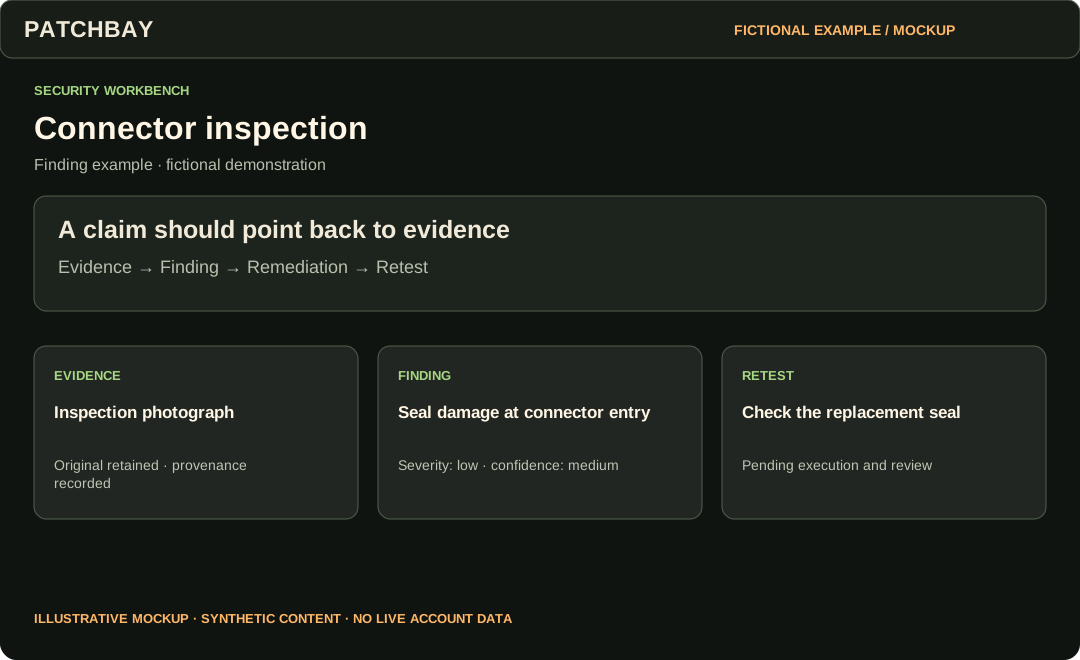
7 features in this chapter
- Evidence and provenance
- Attach files with recorded provenance, original bytes and SHA-256 integrity hashes.
- Controlled downloads
- Require permitted access to research binaries; a record does not create a public file URL.
- Redaction derivatives
- Prepare separate redacted versions while retaining originals.
- Findings
- Link supporting Evidence and record severity separately from confidence.
- Remediation
- Track the proposed fix and its implementation.
- Retests
- Record and review verification after remediation.
- Sensitivity and clearance
- Apply record, ownership and Lab permissions throughout the workflow.
Security Workbench
Reports and disclosure
Keep working research private while preparing a separately reviewed public result.
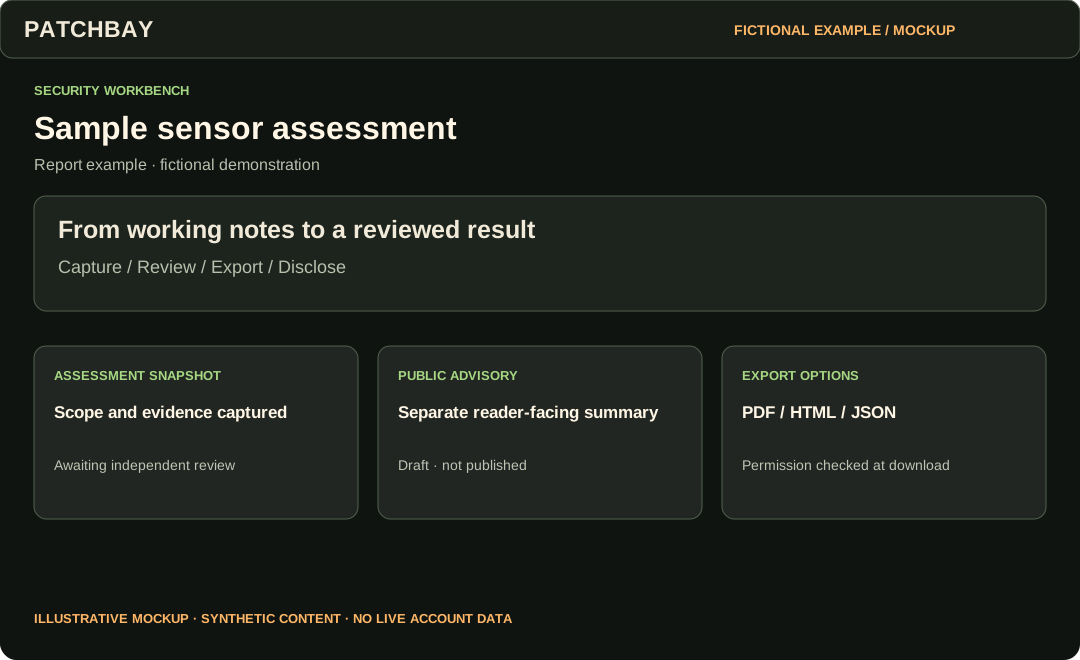
5 features in this chapter
- Disclosure coordination
- Track a private disclosure case, milestones and embargo constraints.
- Public advisories
- Prepare advisory text separately, submit it for review, and publish only after the applicable gates.
- Public Research
- Read published advisories without an account; controlled research files remain separate.
- Assessment Reports
- Capture an immutable assessment snapshot, record independent review, and export PDF, HTML or JSON.
- Workbench export
- Export owned structured records; access to controlled binary downloads remains separately checked.
TAKE THE NEXT STEP
Start wherever you are curious.
Read the news or explore public work today. An account gives you a Bench and access to community and research workflows. Your role and each record’s permissions determine what you can access.