OPEN HOUSE / NO ACCOUNT NEEDED
Take a look around
PATCHBAY.
A place to share what you make. A workbench to investigate what matters. See how both sides work before you join.
Screenshots show actual public pages. Mockups illustrate existing account-only workflows using fictional content; their pictured controls are not interactive. Every feature below is available in PATCHBAY, subject to account role, permissions, or installation settings.
THE FEATURE TOUR
See what you can do
3 of 10 chapters. Open a feature list for details; select an image to view it at full size.
Human Network
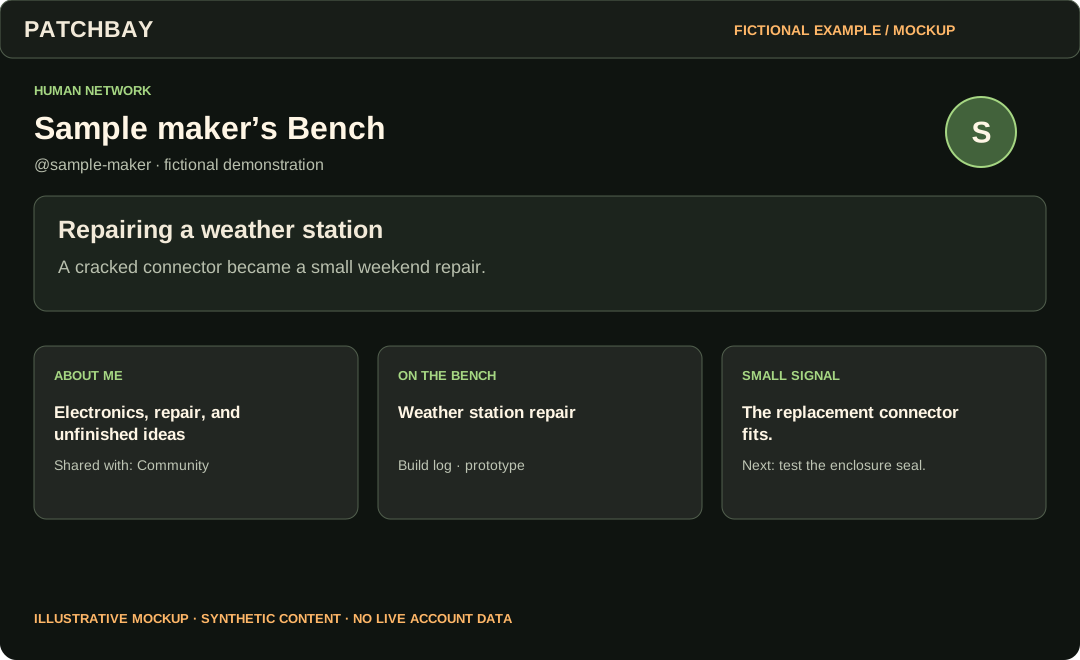
Personal Bench
Make a home for your work, interests, tools, and the person behind them.
6 features in this chapter
- Personal Bench
- Publish a profile with a callsign and a deliberately chosen audience.
- Bench Editor and Bench Studio
- Edit a draft, preview it, customize its layout and theme, then publish when ready.
- Away from the Bench
- Share interests, music, and everyday life alongside technical work.
- Home and Bench Notes
- Read a finite chronological stream from your chosen network; post text, links, images, or code.
- Guestbook and Bench Circle
- Leave a guestbook message and keep chosen people or Projects close.
- Explore and discovery
- Find published Benches and public Projects, then choose your connections and watches.
Human Network
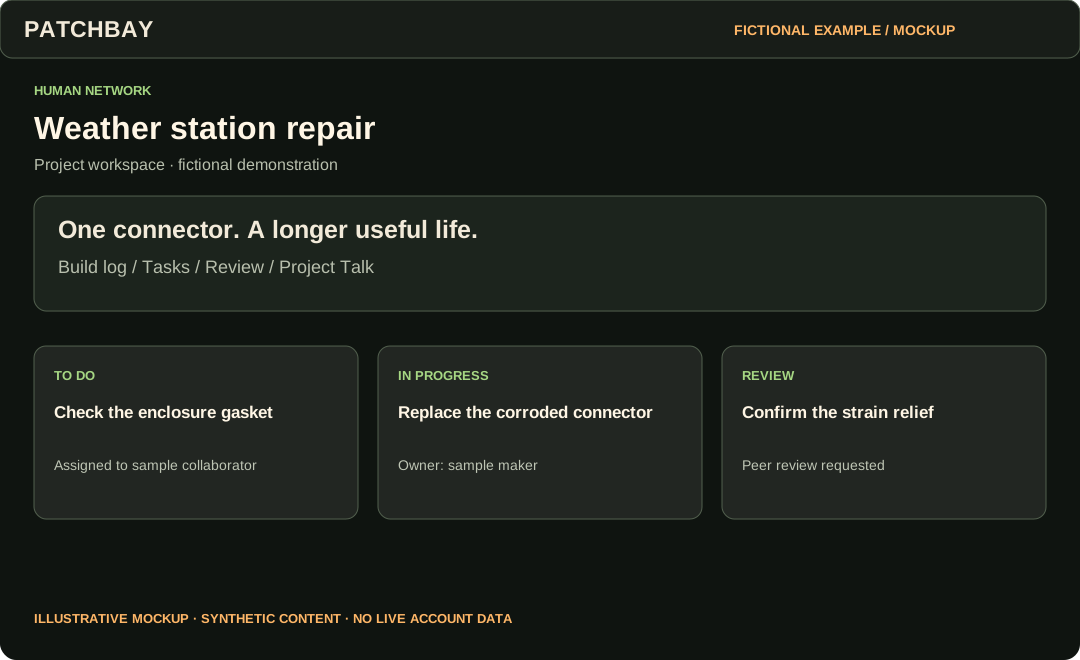
Projects
Keep a build log, work with collaborators, and ask for useful review.
6 features in this chapter
- Project workspace
- Create drafts or published Projects with a stage, audience, summary, files and links.
- Build logs
- Save and edit draft updates, then publish to the Project’s audience.
- Collaborators and tasks
- Assign explicit collaborator roles and track tasks through the workspace.
- Peer review
- Request feedback, discuss concerns, and record resolutions.
- Project Talk
- Hold conversations with subscriptions and moderation controls.
- Watch and export
- Choose which Project events to follow and download a Project JSON export.
Human Network
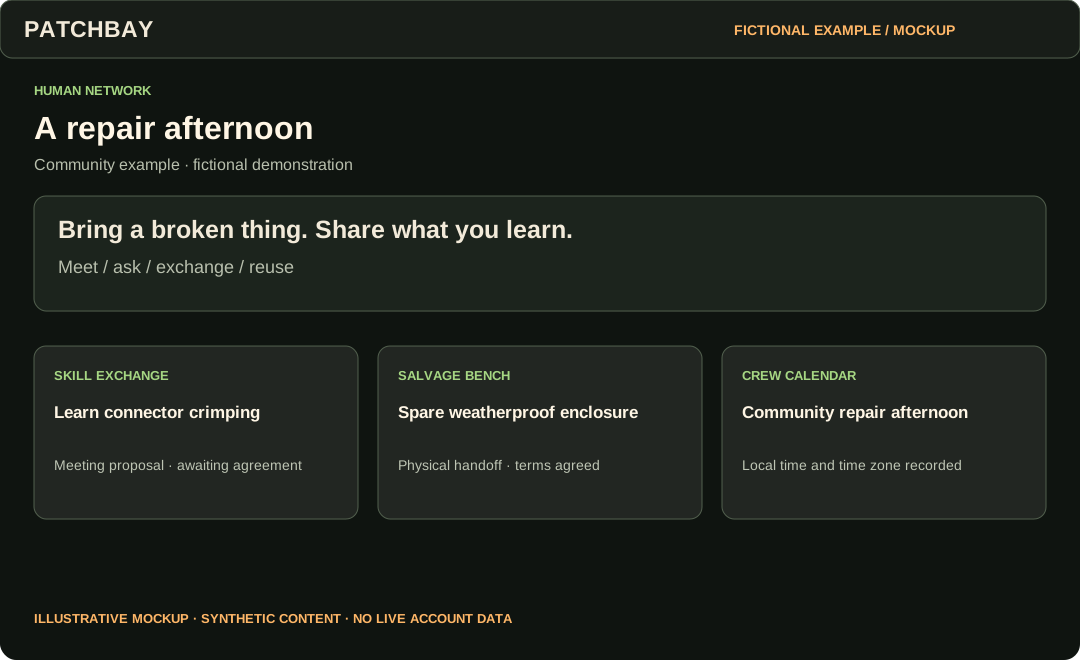
Community
Coordinate actual work and conversations without turning everything into a popularity contest.
8 features in this chapter
- Connections
- Request connections, maintain private relationship notes, and block or mute when needed.
- Crews and Crew Studio
- Organize a group with announcements, discussions, events, resources and Projects.
- Ask PATCHBAY and Discussions
- Ask a question, reply to a conversation, and report problems.
- Skill Exchange
- Request an exchange, agree a meeting, coordinate privately and confirm completion together.
- Salvage Bench
- Offer reusable items, agree handoff terms, and track a physical transfer or shared reuse.
- Bulletin Board and Calendar
- Discover community notices and events; download calendar entries with time-zone handling.
- Parts Drawer
- Keep personal parts and materials records and export them.
- Repair Clinic and contact threads
- Find repair-oriented community activity and coordinate through private participant conversations.
TAKE THE NEXT STEP
Start wherever you are curious.
Read the news or explore public work today. An account gives you a Bench and access to community and research workflows. Your role and each record’s permissions determine what you can access.