OPEN HOUSE / NO ACCOUNT NEEDED
Take a look around
PATCHBAY.
A place to share what you make. A workbench to investigate what matters. See how both sides work before you join.
Screenshots show actual public pages. Mockups illustrate existing account-only workflows using fictional content; their pictured controls are not interactive. Every feature below is available in PATCHBAY, subject to account role, permissions, or installation settings.
THE FEATURE TOUR
See what you can do
10 of 10 chapters. Open a feature list for details; select an image to view it at full size.
Human Network
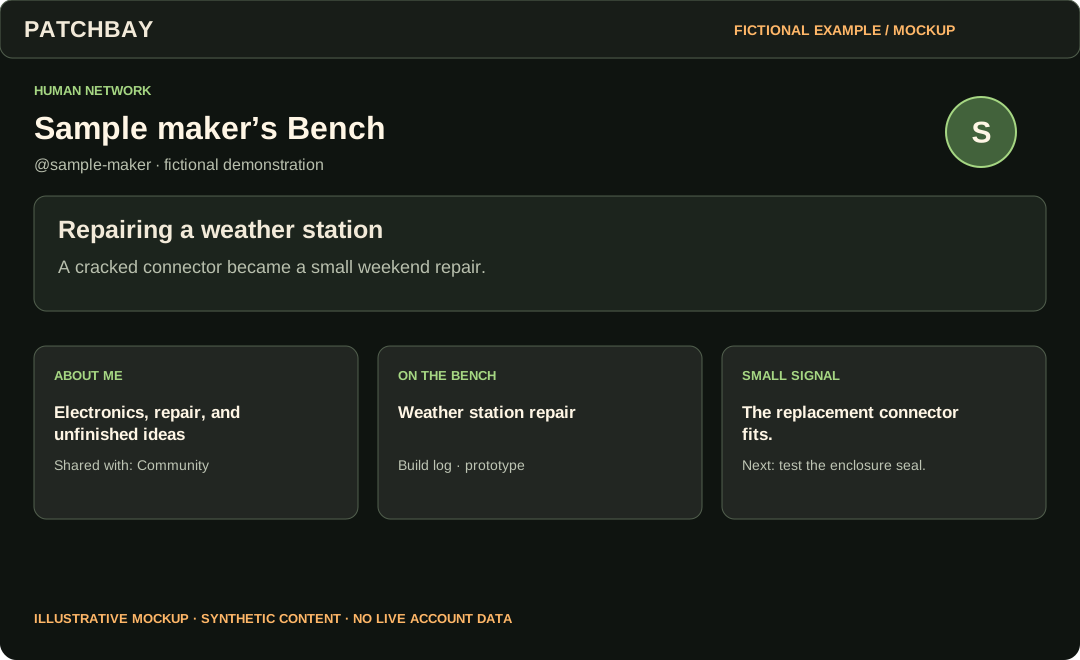
Personal Bench
Make a home for your work, interests, tools, and the person behind them.
6 features in this chapter
- Personal Bench
- Publish a profile with a callsign and a deliberately chosen audience.
- Bench Editor and Bench Studio
- Edit a draft, preview it, customize its layout and theme, then publish when ready.
- Away from the Bench
- Share interests, music, and everyday life alongside technical work.
- Home and Bench Notes
- Read a finite chronological stream from your chosen network; post text, links, images, or code.
- Guestbook and Bench Circle
- Leave a guestbook message and keep chosen people or Projects close.
- Explore and discovery
- Find published Benches and public Projects, then choose your connections and watches.
Human Network
Projects
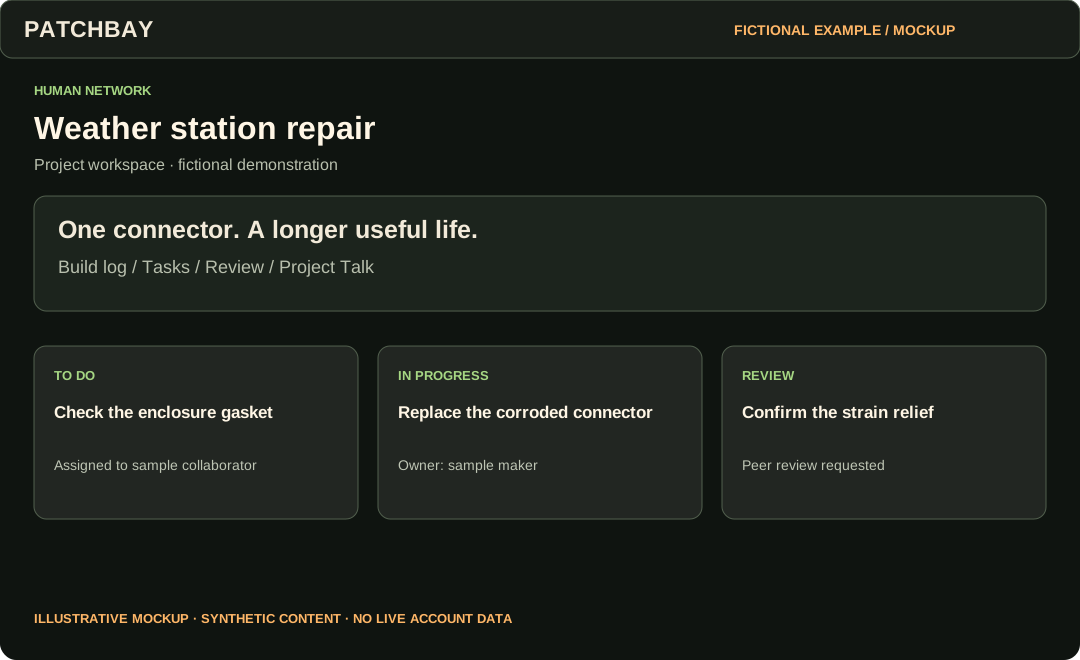
Keep a build log, work with collaborators, and ask for useful review.
6 features in this chapter
- Project workspace
- Create drafts or published Projects with a stage, audience, summary, files and links.
- Build logs
- Save and edit draft updates, then publish to the Project’s audience.
- Collaborators and tasks
- Assign explicit collaborator roles and track tasks through the workspace.
- Peer review
- Request feedback, discuss concerns, and record resolutions.
- Project Talk
- Hold conversations with subscriptions and moderation controls.
- Watch and export
- Choose which Project events to follow and download a Project JSON export.
Human Network
Community
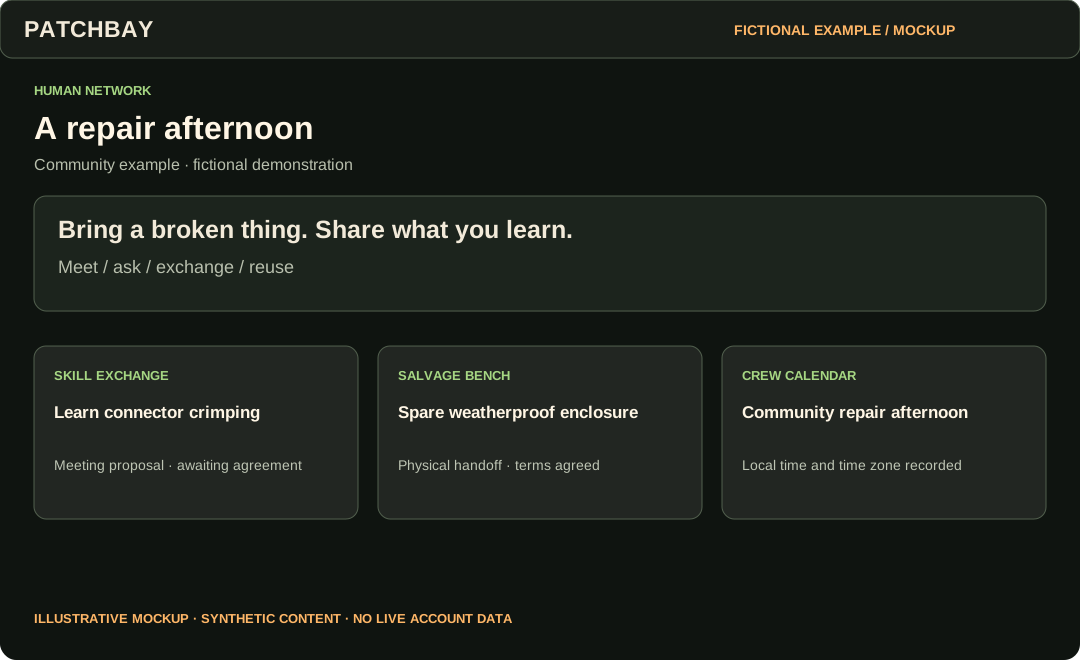
Coordinate actual work and conversations without turning everything into a popularity contest.
8 features in this chapter
- Connections
- Request connections, maintain private relationship notes, and block or mute when needed.
- Crews and Crew Studio
- Organize a group with announcements, discussions, events, resources and Projects.
- Ask PATCHBAY and Discussions
- Ask a question, reply to a conversation, and report problems.
- Skill Exchange
- Request an exchange, agree a meeting, coordinate privately and confirm completion together.
- Salvage Bench
- Offer reusable items, agree handoff terms, and track a physical transfer or shared reuse.
- Bulletin Board and Calendar
- Discover community notices and events; download calendar entries with time-zone handling.
- Parts Drawer
- Keep personal parts and materials records and export them.
- Repair Clinic and contact threads
- Find repair-oriented community activity and coordinate through private participant conversations.
Public pages
Threat News
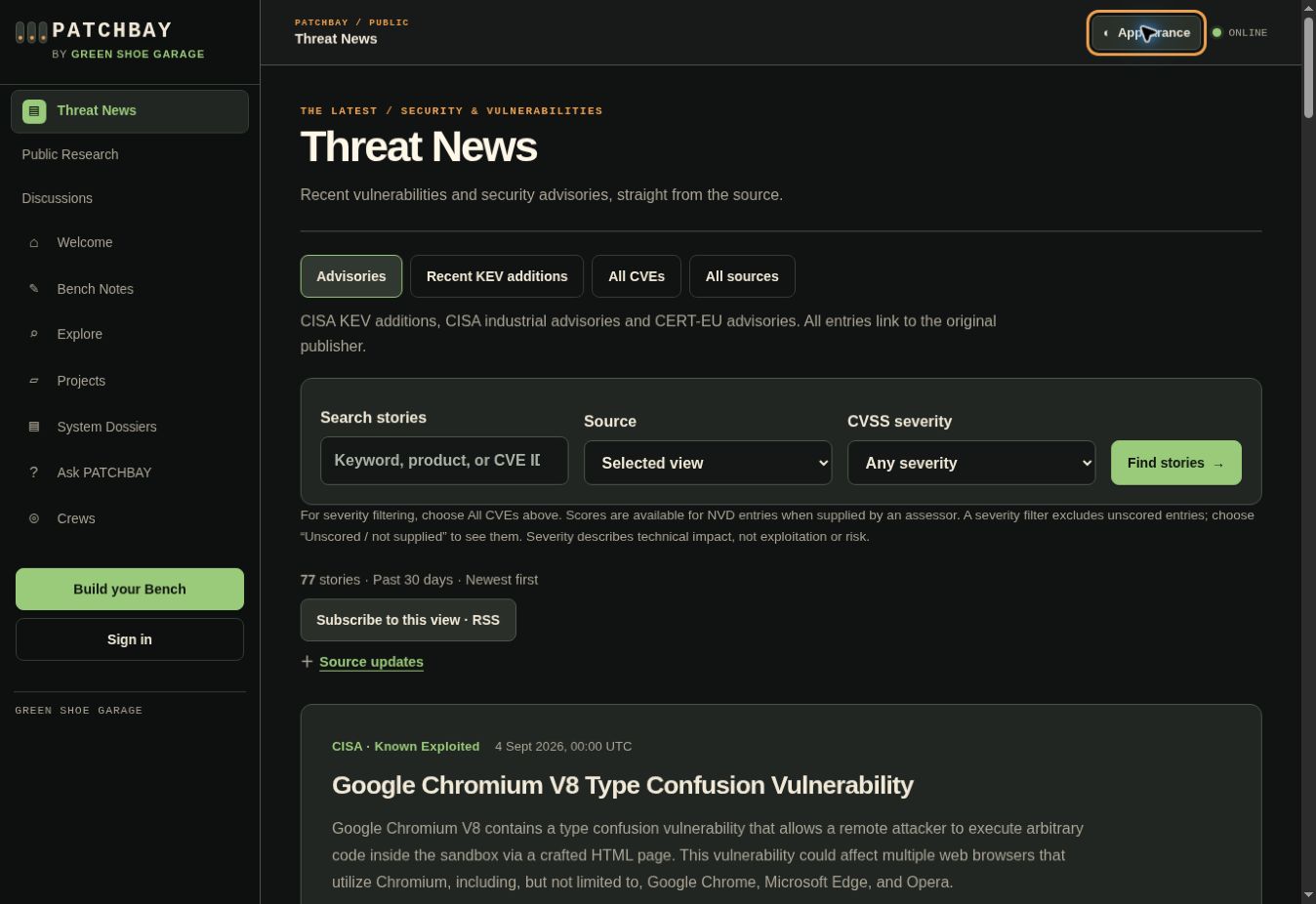
Read recent vulnerabilities and advisories, straight from their publishers. No account required.
4 features in this chapter
- Advisories and recent KEV additions
- Start with CISA and CERT-EU, or focus on recent additions to CISA’s exploited catalog.
- CVEs and severity filters
- Browse NVD, search by product or CVE, and filter supplied CVSS assessments.
- RSS subscriptions
- Subscribe to the selected view, source, search and severity in your reader.
- Automatic updates
- Background imports keep the cached feed current; source status shows delays.
Security Workbench
Authorized research
Organize systems and testing around documented authorization, boundaries, and evidence.
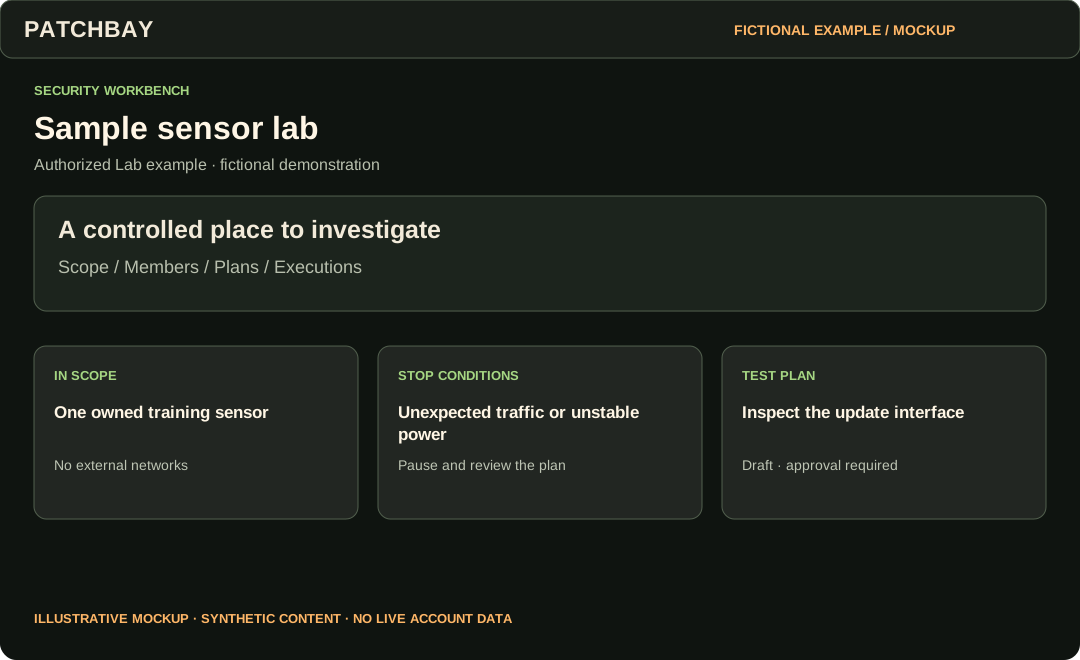
8 features in this chapter
- Security Workbench
- Open the operational queue for research you are permitted to access.
- Security Profile
- Describe research interests and a deliberately shared security portfolio.
- System Dossiers
- Document hardware, firmware, components, interfaces, dependencies, authorization and sensitivity.
- Versions and baselines
- Capture system states, compare changes, and import/export the supported dossier format.
- Authorized Labs
- Define scope, exclusions, rules, stop conditions, time windows, member roles and clearance.
- Test Rigs and plans
- Record equipment and calibration; approve a scoped plan before execution.
- Execution records
- Record test observations while enforcing authorization, scope and calibration gates.
- Techniques
- Keep reusable research methods separate from a specific execution.
Security Workbench
Maps and Threat Models
Turn a library prompt into a reviewed, system-specific question.
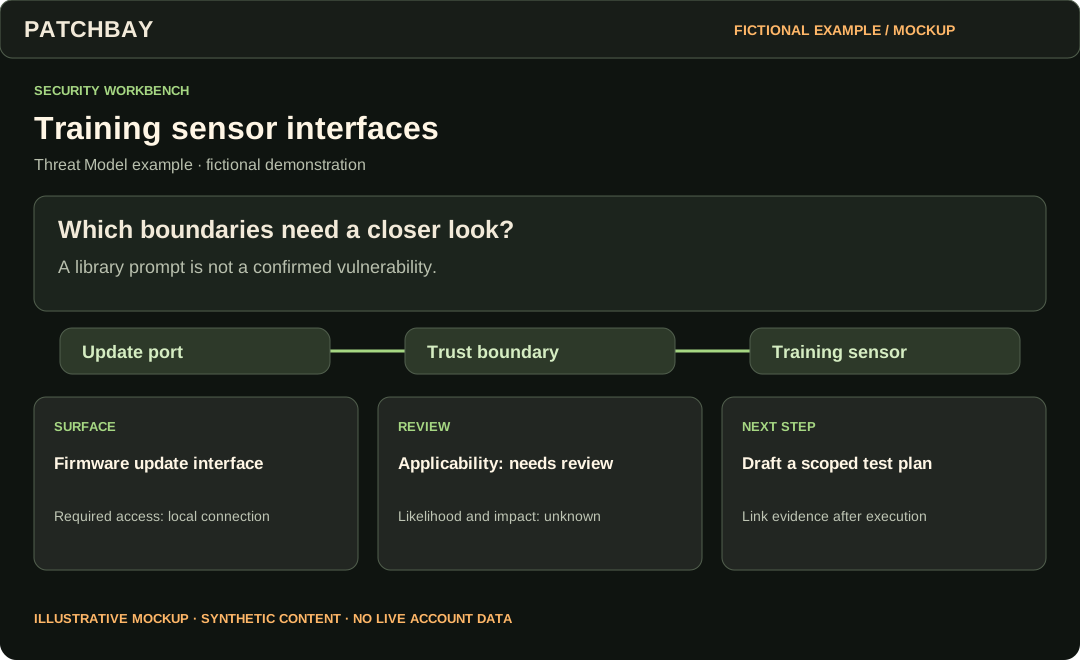
6 features in this chapter
- Interface Maps
- Edit nodes, edges, trust boundaries and their layout.
- Map versions and comparison
- Save map baselines and inspect changes between versions.
- Attack Surfaces and Attack Vectors
- Search the built-in library, save favorites, and maintain private custom entries.
- Starter templates
- Start a model from a template and deliberately add library snapshots.
- Threat review and coverage
- Review applicability, likelihood and impact; link map nodes, Evidence and Findings.
- Sign-offs and draft test plans
- Record review sign-offs and create a draft Lab test plan for an applicable threat.
Security Workbench
Evidence to retest
Follow a finding through its supporting material, remediation, and verification.
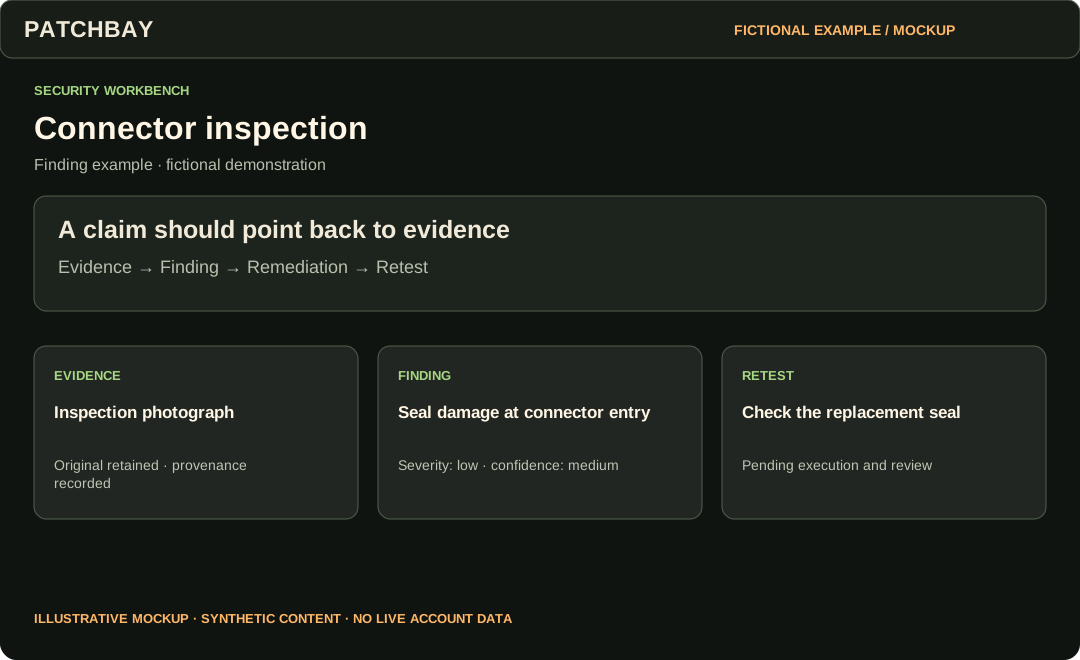
7 features in this chapter
- Evidence and provenance
- Attach files with recorded provenance, original bytes and SHA-256 integrity hashes.
- Controlled downloads
- Require permitted access to research binaries; a record does not create a public file URL.
- Redaction derivatives
- Prepare separate redacted versions while retaining originals.
- Findings
- Link supporting Evidence and record severity separately from confidence.
- Remediation
- Track the proposed fix and its implementation.
- Retests
- Record and review verification after remediation.
- Sensitivity and clearance
- Apply record, ownership and Lab permissions throughout the workflow.
Security Workbench
Reports and disclosure
Keep working research private while preparing a separately reviewed public result.
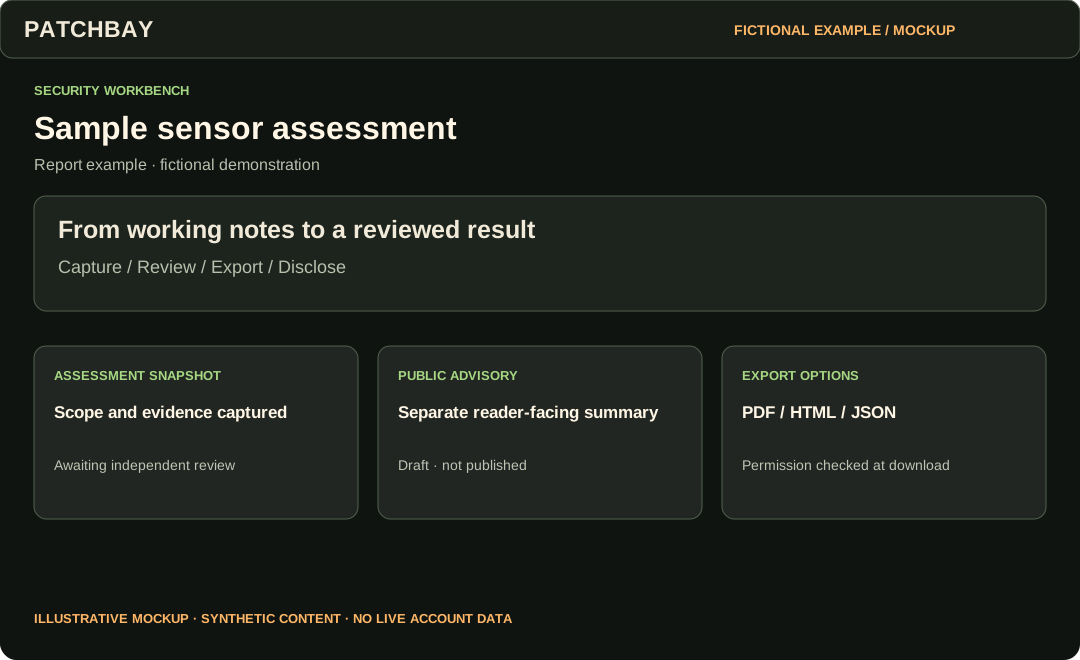
5 features in this chapter
- Disclosure coordination
- Track a private disclosure case, milestones and embargo constraints.
- Public advisories
- Prepare advisory text separately, submit it for review, and publish only after the applicable gates.
- Public Research
- Read published advisories without an account; controlled research files remain separate.
- Assessment Reports
- Capture an immutable assessment snapshot, record independent review, and export PDF, HTML or JSON.
- Workbench export
- Export owned structured records; access to controlled binary downloads remains separately checked.
Account and appearance
Account and administration
Choose what to share, how to hear from PATCHBAY, and how to recover access.
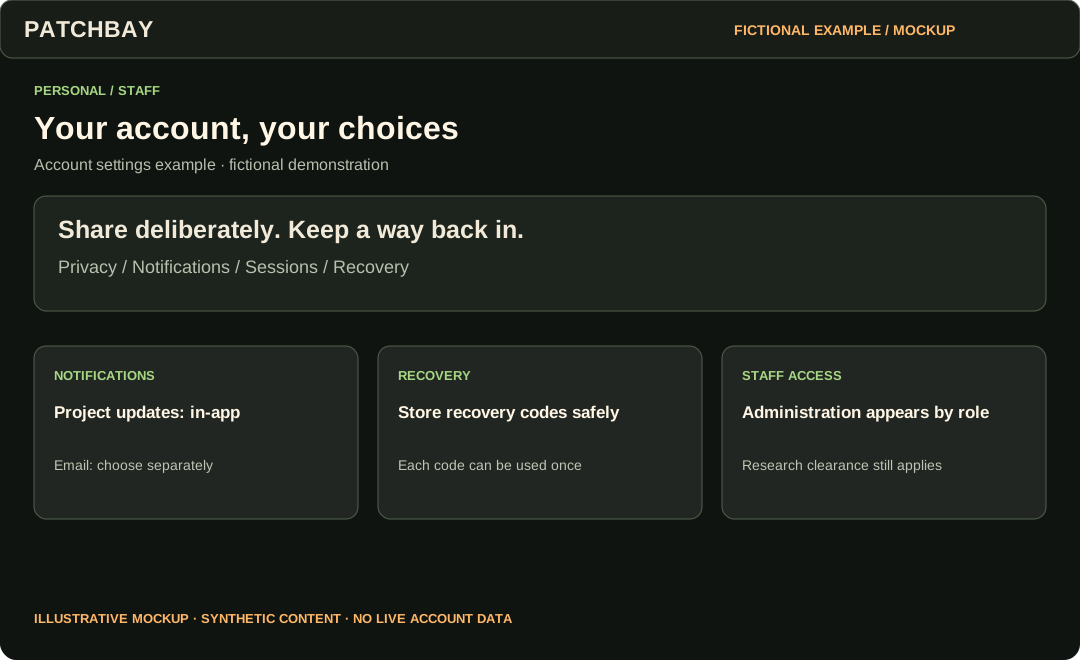
8 features in this chapter
- Account and privacy settings
- Manage account details, audiences and sharing preferences.
- Recovery codes and sessions
- Generate recovery codes and review or revoke active sessions.
- Notifications
- Select in-app or email categories, delivery cadence, time zone and quiet hours.
- Exports and deletion
- Download supported account exports or use the explicit account-deletion flow.
- Membership
- Manage membership when the installation has a configured billing provider.
- Administrator controls
- Eligible staff see Administration in the sidebar; role and record permissions still apply.
- Moderation and reports
- Review reports and appeals through the permitted staff tools.
- Operations
- Administrators inspect application, delivery and backup status; access is role restricted.
Account and appearance
Appearance and accessibility
Use the same appearance controls on public pages and inside your account.
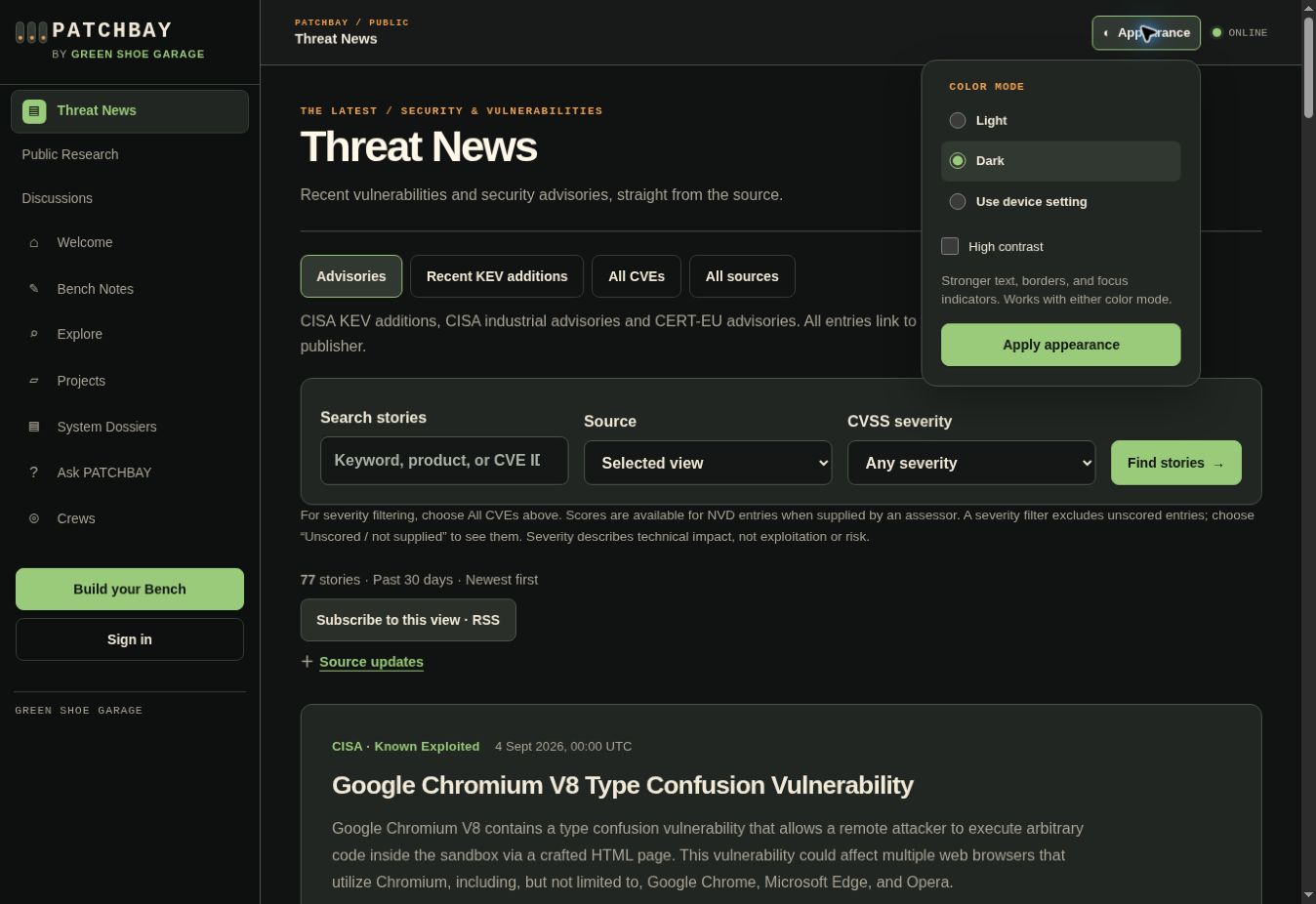
4 features in this chapter
- Light, dark and device setting
- Choose the palette that suits your surroundings.
- High contrast
- Strengthen text, borders and focus indicators with either palette.
- Collapsible controls
- Open Appearance when needed; dismiss it with Escape or an outside click.
- Accessibility preferences
- Bench Studio also provides larger text and reduced motion for members.
TAKE THE NEXT STEP
Start wherever you are curious.
Read the news or explore public work today. An account gives you a Bench and access to community and research workflows. Your role and each record’s permissions determine what you can access.